A Philips Hue bulb. An Amazon Echo. A Google Nest thermostat. A random smart plug from a brand you’ve never heard of. Four devices, four apps, zero coordination. That’s not a smart home — that’s a collection of expensive remotes.
This guide does it in the right order.
Setting up a smart home from scratch is genuinely easier than it was two or three years ago — mainly because of a new standard called Matter that makes most major devices work together regardless of brand. You don’t need to be technical. You don’t need to hire anyone. And you don’t need to spend thousands of dollars to get a setup that actually makes your life easier.
How do you set up a smart home from scratch?
To set up a smart home from scratch: (1) Choose your ecosystem — Alexa, Google Home, or Apple HomeKit based on your phone and habits. (2) Get a hub — a smart speaker or display that acts as the control center. (3) Start with lighting — it’s the fastest and most noticeable upgrade. (4) Add a thermostat and a video doorbell. (5) Build from there. Most people complete a functional starter setup in a weekend for under $300.
Before You Buy Anything: Choose Your Ecosystem
Your ecosystem is the platform everything connects to — think of it as the language your devices speak. The three main options are Amazon Alexa, Google Home, and Apple HomeKit. You can mix and match more easily now than ever thanks to the Matter standard, but you still want one primary ecosystem that serves as your home base.
| Ecosystem | Best For | Hub Device | Strength |
|---|---|---|---|
| Amazon Alexa | Most households — widest device compatibility | Echo Dot (~$30) or Echo Hub (~$150) | Largest device library, easiest setup, best budget options |
| Google Home | Android users, Google services users | Nest Mini (~$30) or Nest Hub (~$100) | Best AI voice assistant, natural language commands |
| Apple HomeKit | iPhone households, privacy-focused users | HomePod Mini ($99) or Apple TV 4K ($129) | Most private, seamless with iPhone and Apple Watch |
The reason this decision matters is that some older devices only work with specific ecosystems. Newer devices with Matter support work across all three — so if you stick to Matter-compatible products from now on, your ecosystem choice becomes less critical over time.
📖 Want to understand Matter before buying anything? Our guide explains exactly what it does and which devices support it.
Step by Step: Building Your Smart Home in the Right Order
Get Your Hub First
Your hub is the control center — it connects your devices and lets you control everything with your voice or a single app. You probably already have a candidate: an Echo, a Google Nest, or an Apple TV. If not, start here before buying any other devices.
The Amazon Echo Dot (around $30) is the easiest entry point for most people. The Google Nest Hub (around $100) is worth it if you want a screen to control things visually. The Apple HomePod Mini ($99) is the pick for iPhone households. All three set up in under 10 minutes.
Budget: $30–$150
Start With Smart Lighting
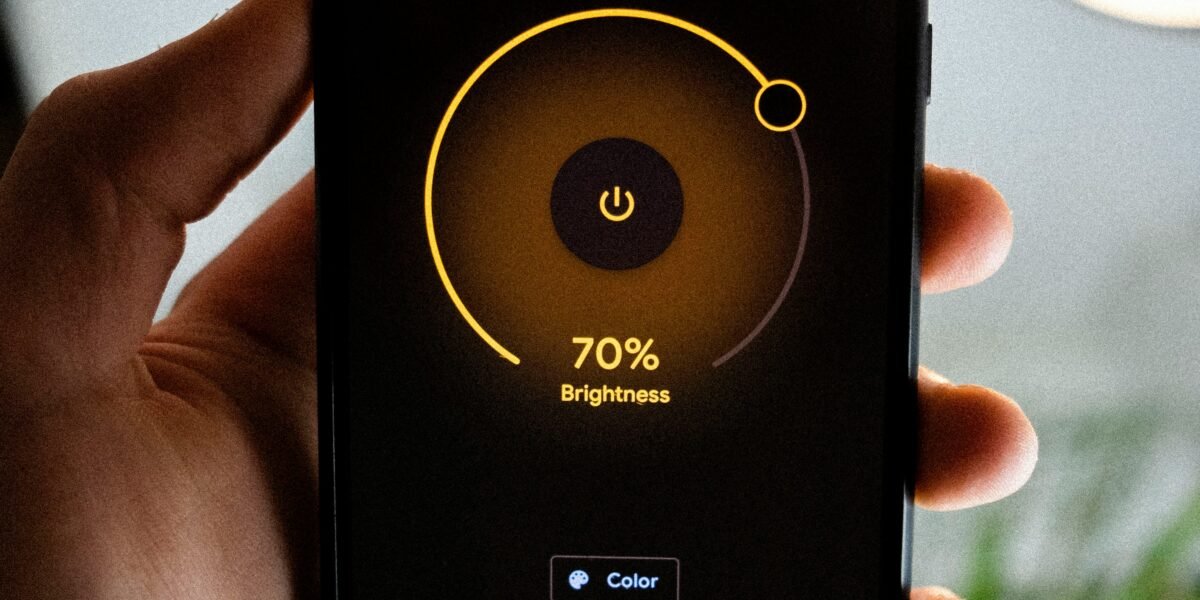
Lighting is where 90% of smart homes start — for good reason. The effect is immediate and visible, the setup takes minutes, and it costs less than almost any other smart home category. A smart bulb replaces your existing bulb, connects to your Wi-Fi, and from that moment you can dim it, change its color temperature, set schedules, or control it with your voice.
For most rooms, warm white smart bulbs in the 2700K range are all you need. For living rooms and bedrooms where you want the option of different moods — a color-capable bulb like a Philips Hue or a LIFX gives you more flexibility. Smart switches (which replace the wall switch instead of the bulb) are the better option if you have light fixtures with multiple bulbs.
Recommended first purchase: 2–4 smart bulbs for your main living area, or one smart switch for a heavily-used room.
Budget: $15–$60
Add a Smart Thermostat
A smart thermostat is the upgrade that actually pays for itself. It learns your schedule, adjusts automatically when you leave the house, and can be controlled remotely from your phone. The energy savings typically cover the purchase price within 12 months — sometimes faster depending on how much you currently heat and cool.
The Google Nest Learning Thermostat and the Ecobee Premium are the two most recommended models. Both install in about 30 minutes with a screwdriver — no electrician needed in most homes. The Ecobee includes a room sensor that detects occupancy, which is especially useful in homes where some rooms are used more than others.
Budget: $100–$250
Install a Video Doorbell
A video doorbell is the smart home upgrade that most people say they wish they’d installed sooner. You get a notification on your phone when someone rings — or even just approaches — your door. You can see, hear, and speak to whoever is there from anywhere in the world. Package delivery notifications, visitor history, two-way conversation with visitors when you’re not home.
Ring and Arlo are the two most popular options. Ring integrates particularly well with Alexa; Arlo works across all ecosystems. Both have models that work with existing doorbell wiring or run on a rechargeable battery if you don’t have wired power at your door.
Budget: $60–$200
Add Smart Plugs for “Dumb” Appliances
Smart plugs are the underrated entry in every smart home — they cost around $10–$15 each and instantly make any regular appliance controllable by voice or app. Lamps, fans, coffee makers, space heaters, phone chargers. You can set schedules (“turn off the living room lamp at 11pm”), automate them based on other triggers, or just control them without getting off the couch.
Amazon’s own smart plugs work seamlessly with Alexa and cost about $15. If you use multiple ecosystems, a Matter-compatible smart plug like the Eve Energy works across Alexa, Google Home, and Apple HomeKit from the same device.
Budget: $10–$30 each
The Mistake Most People Make (And How to Avoid It)
The second mistake is ignoring your Wi-Fi network. Every smart home device connects to your router, and a crowded or weak signal causes the exact frustrations people blame on the devices themselves — lights that don’t respond, thermostats that go offline, doorbells that miss notifications. Before adding more than 10 devices, consider either a mesh Wi-Fi system or separating your smart home devices onto their own 2.4 GHz network. Most modern routers make this easy through their app.
What Does a Functional Starter Setup Actually Cost?
A smart home that genuinely makes daily life more convenient — not just technically impressive — can be built for well under $300. Here’s a realistic breakdown:
| Device | Estimated Cost | What It Does |
|---|---|---|
| Echo Dot (hub) | ~$30 | Voice control, connects everything |
| 4x smart bulbs | ~$40 | Dimmable, schedulable lighting |
| Smart thermostat | ~$130 | Energy savings, remote control |
| Video doorbell | ~$70 | Security, package alerts |
| 2x smart plugs | ~$25 | Control lamps and appliances |
| Total | ~$295 | A fully functional starter smart home |
This setup covers the four areas that make the biggest visible difference to daily life: voice control, lighting, climate, and security. Everything else — robot vacuums, smart locks, additional sensors, multi-room audio — is an expansion once you know the foundation works for you.
Frequently Asked Questions
Do smart home devices work without internet?
Most require internet for initial setup and remote access, but many now support local control — meaning they still work if your internet goes down, as long as your home Wi-Fi is functioning. Matter devices in particular are designed with local control as a priority.
Can I mix devices from different brands?
Yes, especially with Matter-compatible devices. A Philips Hue bulb, a Google Nest thermostat, and an Amazon Echo can all work together in the same system. The key is making sure each device is compatible with your chosen ecosystem before buying.
Is a smart home difficult to set up?
Most devices set up in under 10 minutes using their companion app. The process is typically: plug in or install the device → open the app → follow the steps → done. The most complex installation is usually the thermostat, which involves wiring but rarely requires professional help for standard setups.
Are smart home devices secure?
Reputable brands invest heavily in security, but basic precautions help: use a strong, unique password for your home Wi-Fi, enable two-factor authentication on your smart home app accounts, and keep device firmware updated. Separating smart home devices onto their own Wi-Fi network is an additional layer of protection if you’re security-conscious.
What should I set up first?
Hub first, then lighting, then thermostat. In that order. The hub connects everything. Lighting shows you immediately that the system works. The thermostat pays for itself. Everything after that is a bonus.
The Bottom Line
A smart home isn’t about having the most devices. It’s about having the right ones working together reliably. Start with an ecosystem, add a hub, get your lighting and thermostat sorted, and build from there. The total cost for a genuinely useful setup is less than most people spend on a single appliance — and unlike most appliances, a smart home gets more useful the longer you live with it.
The best time to start was two years ago. The second best time is this weekend.
Related: What Is Matter? The Smart Home Standard Explained · 7 Best Smart Home Devices Worth Buying Right Now · Smart Home Upgrades Worth Making Right Now
ClearlyBold.com may earn a commission from purchases made through our links at no extra cost to you. All recommendations are editorially independent. Prices accurate as of March 2026.